
A pet supplement brand may use one product model across a factory quotation, website listing, warehouse record and customer catalog. If each team copies details into a separate file, differences can appear quickly. A pet supplement SKU data sheet gives the brand one approved reference for product identity and its sellable configuration.
Separate model, finished SKU and barcode
A supplier model identifies a product starting point. A finished SKU should identify the configuration your business actually sells. A barcode identifier has its own allocation rules and should not be invented from the internal model number. Record these fields separately.
For example, the same formulation offered in two pack counts should not be represented by one ambiguous warehouse description. Distinguish count, flavor, packaging and market version where relevant. Do not assume that one supplier code automatically represents every customized version.
Build the core product record
Start with fields your team can verify against an approved specification and physical sample. Keep unknown information marked for confirmation rather than filling gaps with assumptions. A structured sheet is most useful when every field has an owner and a source.
- Product model, finished SKU and commercial product name.
- Target animal and product format.
- Declared count, net weight and label flavor where applicable.
- Formula, specification and packaging revision references.
- Approved ingredient panel, directions and storage text.
- Unit dimensions, carton configuration and image file references.
Connect images to the correct configuration
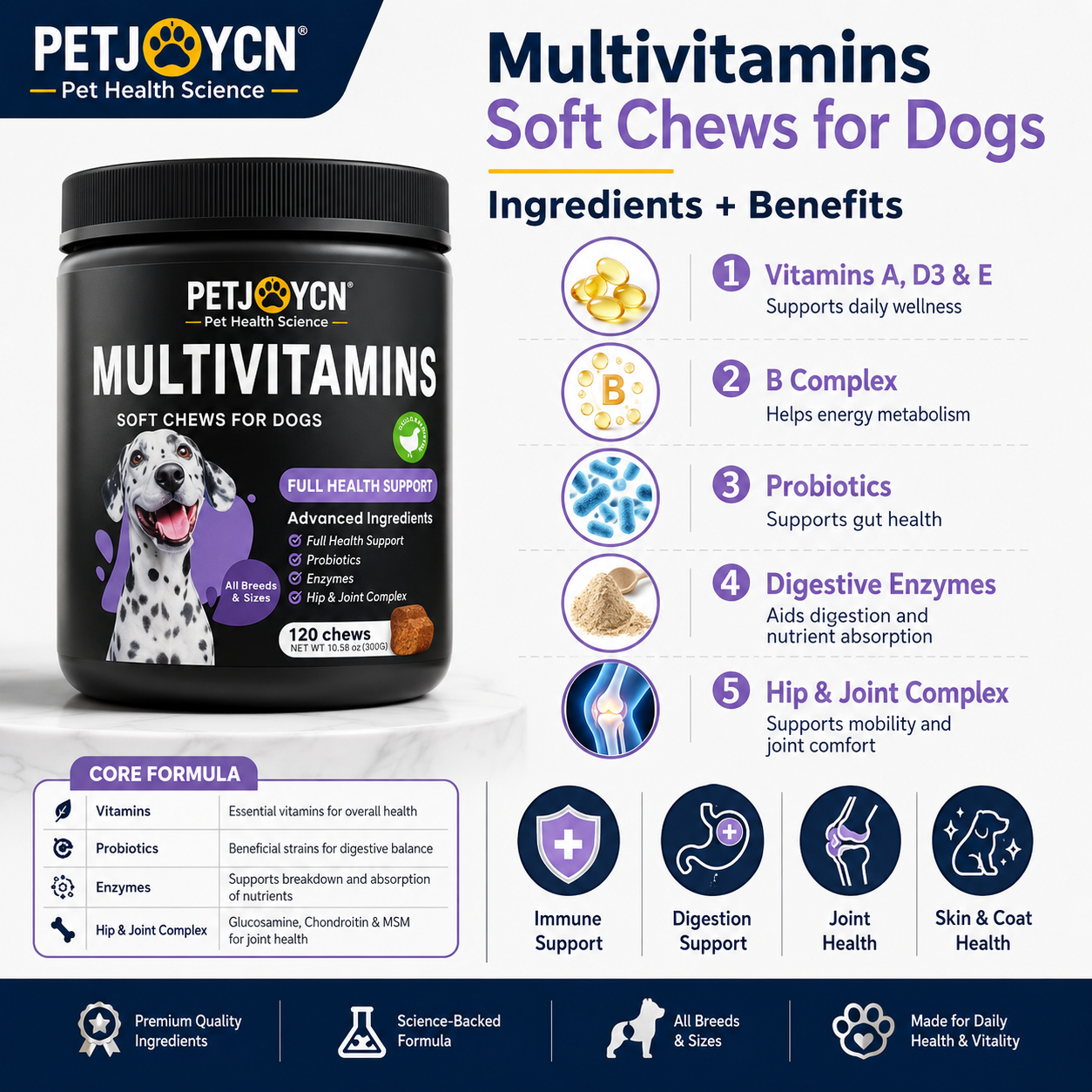
Name image files with the model or SKU and a revision or date. Identify the main image separately from ingredient, usage and packaging views. Check that every image shows the same count, flavor and artwork version as the product listing.
A common failure is updating the title to a 120-chew pack while keeping a photograph of an older 90-chew bottle. Another is using a dog product’s usage graphic on a cat product. Review images as product data, not just decoration.
Control copy and evidence separately
Store approved website copy beside the specification reference, but do not let promotional wording replace technical information. Claims need the appropriate review and supporting evidence for the intended product and market. A competitor’s description or an ingredient article is not automatically evidence for your finished SKU.
Include a status field such as draft, approved or superseded. List the approver and effective date so a designer or distributor does not publish an outdated version. Keep historical files identifiable rather than overwriting them without a revision record.
Use a release check across teams
Before a new listing goes live, compare its title, images, count, price and SKU with the approved record. Before production, compare the purchase order and artwork references with that same record. Before dispatch, check that warehouse identifiers match the finished goods configuration.
For barcode planning, consult the current GS1 GTIN Management Standard and your channel’s requirements rather than treating an internal SKU as a substitute for a GTIN.
Start a PETJOY project with clear data
Explore the PETJOY product range, then send your selected models and proposed configurations through our contact page. A clear SKU brief helps Guangzhou Petjoy Biotechnology Co., Ltd. discuss OEM/ODM options without guessing which product, pack or artwork revision you intend to order.